
Requirements
- Storage: the blockchain is around 650 GB in 2026 and grows about 50 to 100 GB a year. A 1 TB SSD is the standard choice; 2 TB is comfortable. Spinning disks work but make the initial sync very slow.
- Memory: 4 GB is workable, 8 GB is comfortable. More memory speeds the initial sync.
- CPU: modest. A Raspberry Pi 4 or 5 or any mini PC is fine.
- Internet: the initial sync downloads the whole chain once; afterwards a node uses a few GB a month, more if it serves many peers. Metered connections need limits set.
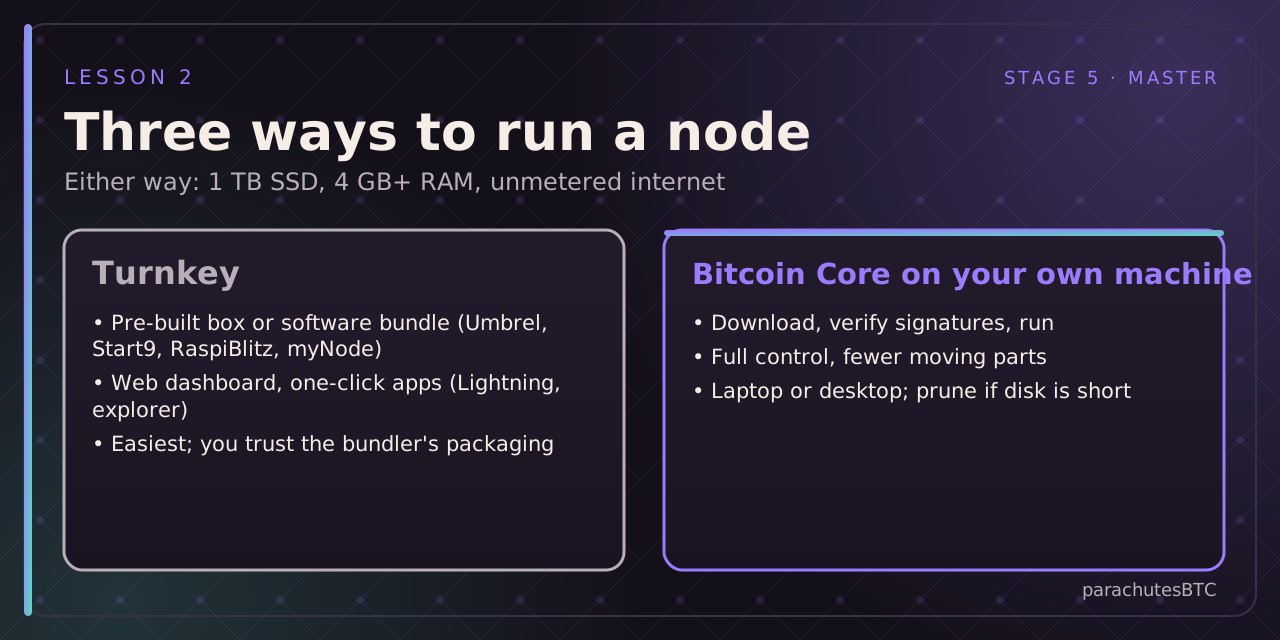
Path 1: turnkey
Buy a pre-built node or install a bundle (Umbrel, Start9, RaspiBlitz, myNode, Citadel) on a Pi or mini PC. You get a web dashboard, Bitcoin Core running underneath, and one-click apps: a block explorer, a Lightning node, an Electrum server for your wallet. The trade is trusting the bundler's packaging and update process. Good for a first node.
Path 2: Bitcoin Core directly
Download from bitcoincore.org, verify the release signature (the release notes explain how), install, run. On a desktop you get the Bitcoin-Qt GUI; on a server, bitcoind with a config file. Add an Electrum server (Fulcrum, electrs) if you want hardware-wallet software to connect. More to learn, nothing hidden.
Pruned nodes
If disk is tight, a pruned node verifies everything but keeps only recent blocks (set a target, say 20 GB). It is a full validating node with full security for you; it cannot serve old blocks to others or support some explorer and wallet features. A fine choice for a laptop.
What to avoid
Running the node on the same machine as your hot wallet seed is unwise. Exposing the RPC port to the internet is a serious risk; keep it local or behind Tor.