
Tor
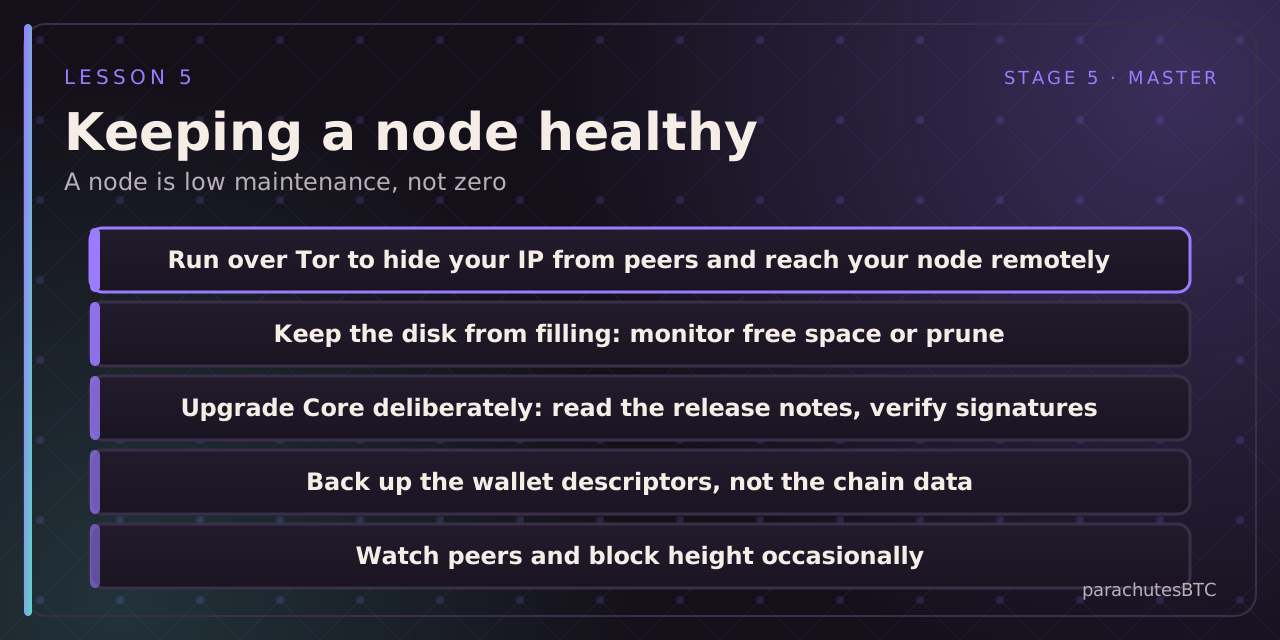
Bitcoin Core can run entirely over Tor, so peers see an onion address rather than your home IP, and you can reach your node and wallet server from anywhere without opening ports. Turnkey bundles enable it with a switch; on Core, install Tor and set proxy and listenonion in the config. Over Tor, peers cannot link your node to your location, and your transactions are not obviously yours when first broadcast.
Uptime
A node that is online most of the time is more useful (to you, for Lightning, and to the network) but it does not have to be perfect. When it comes back after downtime it catches up in minutes.
Disk
The chain grows. Check free space every few months, or set a prune target. A node that runs out of disk simply stops and complains; nothing is lost.
Upgrades
New Core versions arrive about twice a year. Read the release notes; verify the download signature; upgrade. You are not obliged to run the newest version, and in a contested change you might deliberately not. Consensus-relevant changes are rare and well advertised; most releases are performance and policy.
Backups
The chain data is reproducible; do not back it up. Back up your wallet descriptors (or seeds, kept separately) and your node's configuration. Lightning nodes have additional state that must be backed up; see the Lightning course.
Monitoring
Peers connected, block height versus the network, disk free. A dashboard shows these at a glance; bitcoin-cli getnetworkinfo and getblockchaininfo do on the command line. If your node is stuck behind the network, it is usually network or disk.