
Receiving
Share a fresh address or QR code. You do not need to be online to receive; the network records it. For privacy and tidiness, use a new address each time; your wallet does this by default.
Sending
- Paste or scan the address. Never type it. Compare the first and last six characters with the original, because clipboard malware exists.
- Enter the amount.
- Choose a fee. Wallets usually offer slow, normal and fast. Fees are per byte of transaction data, so they do not depend on the amount sent. Check current conditions on a mempool explorer if the wallet's estimate looks high.
- For a large amount to a new address, send a small test first.
- Confirm. It is now irreversible.
When to use Lightning
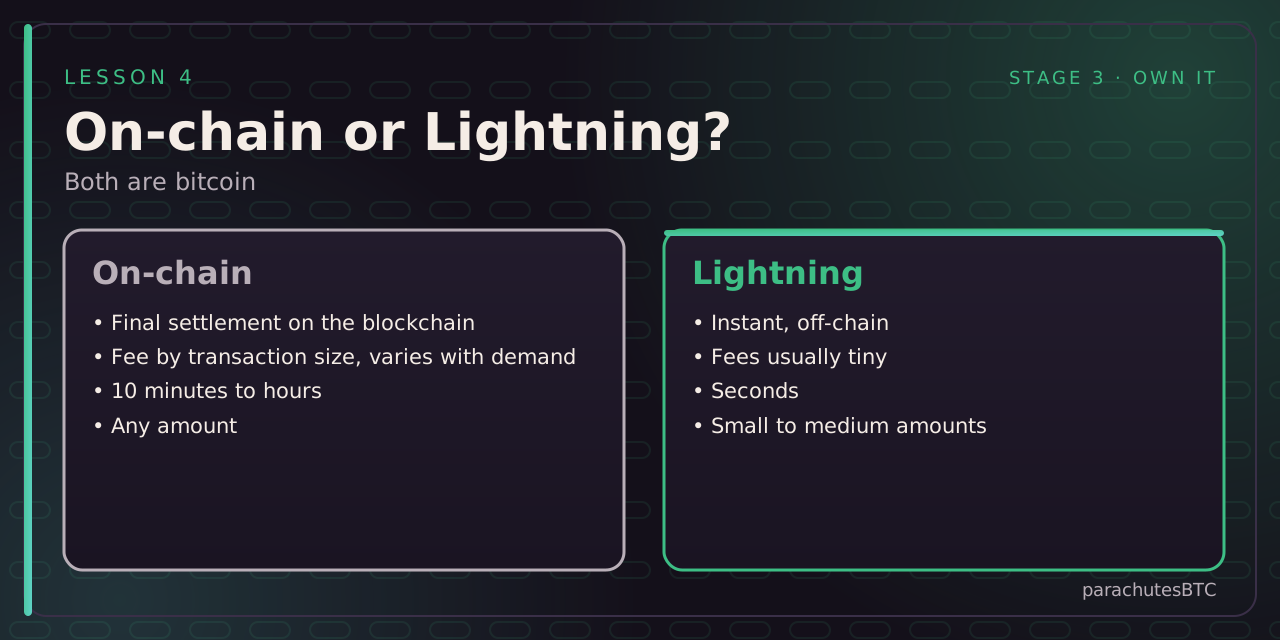
For small, fast payments (tips, coffee, online purchases) Lightning is instant and nearly free. For savings and large transfers, use the chain. Many wallets support both. A Lightning invoice starts with lnbc; a Lightning address looks like an email address.
If it is stuck
A low-fee transaction can wait hours or days when the network is busy. It is not lost. Many wallets let you bump the fee (replace-by-fee). Otherwise it will either confirm when fees drop or be dropped from mempools and return to your balance.
CHECK YOURSELF
pick an answer for each question